
Set the ordinary year
Choose a supported year length and month count. Review how the days are distributed and how a selected leap rule adds a separate day.
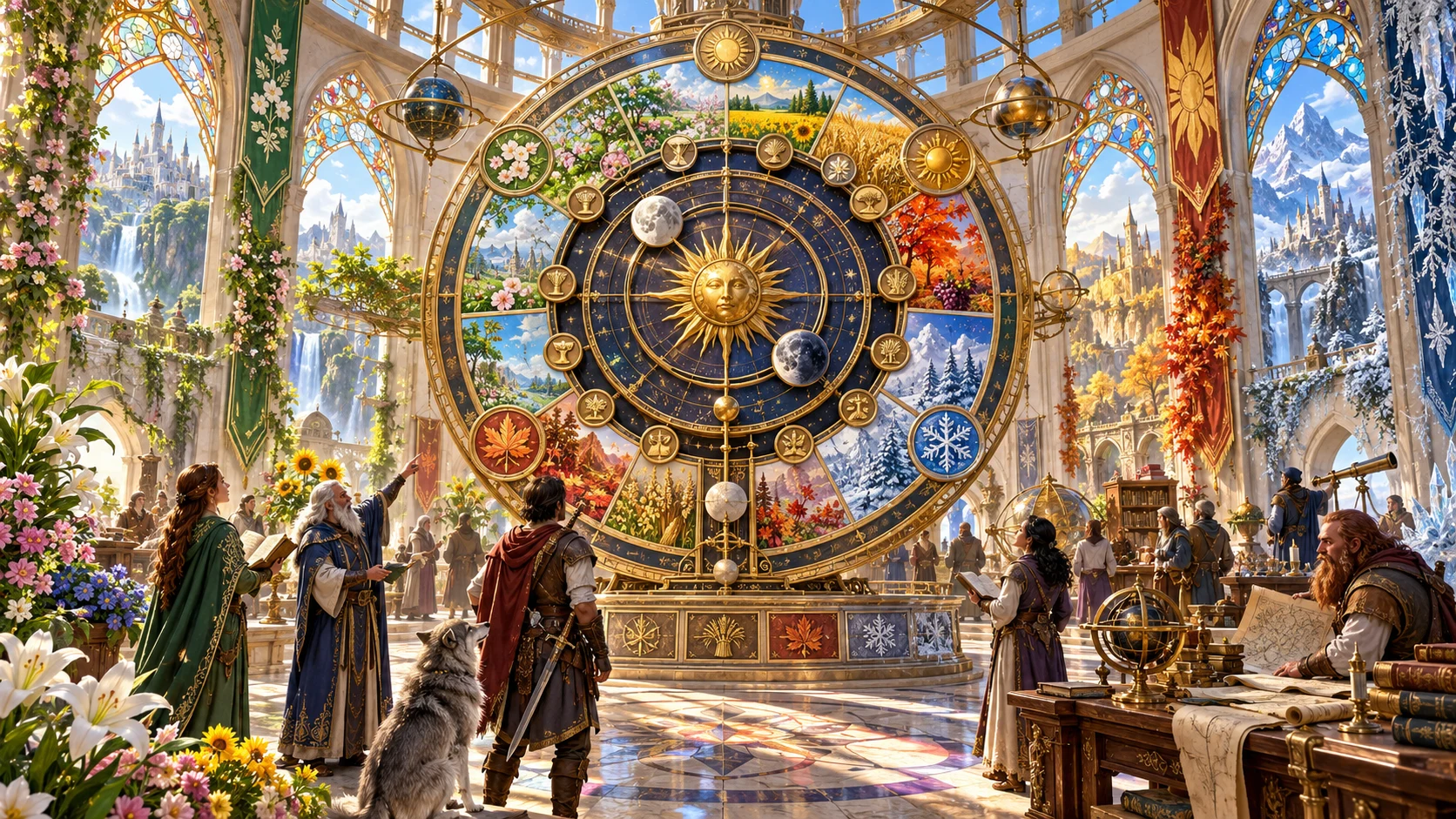
Give your world a shape to its year.
Prepare named months, weekdays, seasons and moon-cycle samples around a reconciled ordinary year. Review observances, keep the calendar you accept and share a concise player primer.
Put dates into your setting
Prepare an authored calendar model, then decide how its observances and dates matter in your world.
Choose a supported year length and month count. Review how the days are distributed and how a selected leap rule adds a separate day.
Use authored names or supply the required number of weekday names. Seasons divide the ordinary year into contiguous ranges.
Inspect cycle lengths and calculated sample phases. Treat movable festival rules as descriptive prompts that need your own placement.
Review the month grids and player primer, then save manually or download structured JSON. Apply chronology and campaign consequences yourself.
Prepare a readable year
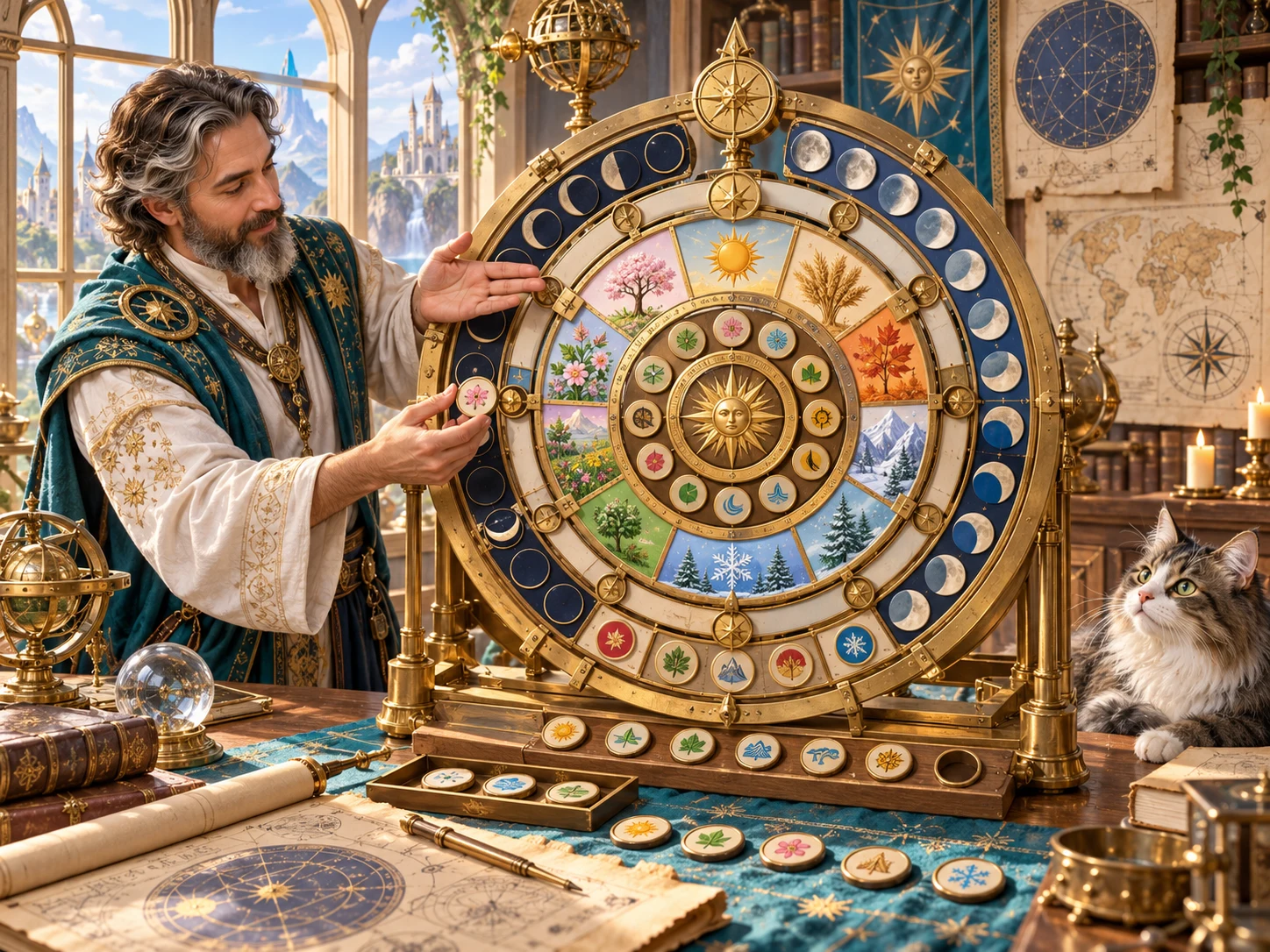
Review the ordinary-day structure before adding your setting meaning.
This fantasy illustration is not an application screen or generated image output.
From a frame to a calendar
Quick and Deep use the same model, with additional controls visible in Deep.
Select year length, month count, season count and number of moons. Quick retains previously selected Deep values.
Deep exposes week length, custom weekdays, month variation, lunar cycles, leap rules, sample year and descriptive context.
Check ordinary-month totals, the separate leap record, season ranges and moon samples. Festival rule labels do not calculate movable dates.
Review dependent fields after rerolls or JSON edits. Save manually through your DCC account and choose the full record or player primer for export.
What the tool provides
Eight capabilities support ordinary-year structure, selective revision, account records and useful views.
Choose year length, month, season and moon counts in Quick. Deep adds week structure, length variation, leap rules, cycles, descriptive labels and context.
Distribute the ordinary year across named months and record a separate leap day when the selected rule applies. Month grids display ordinary days.
Choose a supported week length and supply matching weekday names. Divide the ordinary year into named seasons with continuous ordinal boundaries.
Configure up to three moons, review their cycle lengths and inspect one calculated phase sample per moon. This is a bounded sample-year model.
Review authored holy, civic, seasonal and folk observances on ordinary dates, plus four date-to-ordinal examples. Movable rule labels need your own adjudication.
Edit JSON, use selective rerolls and keep up to twenty in-window undo or redo steps. Review dependent dates, names and views after revisions.
Save calendars with tags and notes through your DCC session. Search, reopen, compare summaries, duplicate, archive or restore records and open earlier results.
Read ordinary month grids or a concise player primer. Copy or download the full calendar or primer JSON and check print preview before sharing.
Choose a familiar or unusual frame
Presets prepare selected controls; descriptive labels do not add separate simulations.
Choose a familiar-style frame or the Exotic name pool. Naming-style text is retained as context rather than interpreted as a naming instruction.
Use the supported year lengths and leap rules. A leap day is recorded outside the months and needs separate attention when using printed grids.
Configure up to three moon cycles and inspect calculated phase samples. Lunar festival labels do not resolve dates against those cycles.
Choose two, four or six season ranges and four, eight or twelve authored observances. Seasonal alignment text describes the model without shifting its boundaries.
Give the dates a place in play
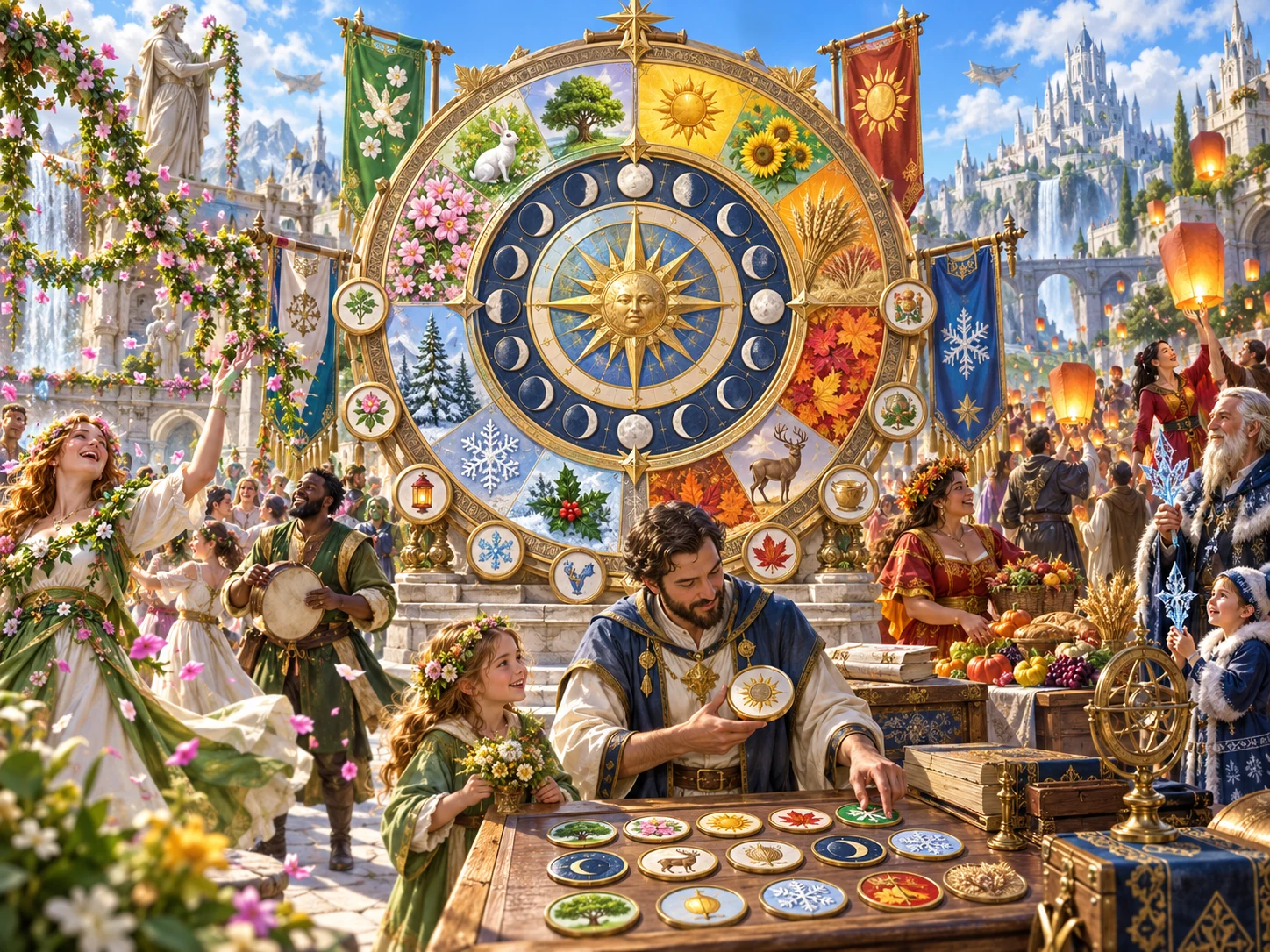
Review the player primer and decide how observances become real events.
This fantasy illustration is not exported application output or a generated map.
Revise the model you accept
Controls, saved output and derived views are separate pieces of the workspace.
The seed works with an internal counter. Generating again varies material while retaining the seed-derived record ID, so a later save can become a new version.
A layer lock prevents rerolling that target. Full generation ignores locks; partial rerolls can replace dependent fields associated with other layers.
JSON editing does not rebuild calendar grids, conversion examples or primer fields. Save validation checks selected relationships without proving complete consistency.
Undo and redo keep up to twenty result changes in the current window. Comparison shows summary counts, rather than a complete field-by-field difference.
Account records and audience review
Manual saves, exported JSON and printed pages have distinct boundaries.
Save manually through your existing DCC session. The same record ID keeps up to ten earlier result snapshots; there is no autosave or offline account fallback.
Search names, counts, tags and notes. Archived records stay visible. Open restores output and metadata without restoring the controls or generation counter.
Copy or download only the primer in its selected view. Check edited fields and nested titles in variants; a safety marker does not inspect private text.
Preparation panels or an open editor can remain in printed output. Finish editing and choose pages deliberately; ordinary month grids omit the separate leap-day cell.
Choose access for your toolkit
Fantasy Calendar Generator is a paid standalone tool. Create a free account first, then review your selection and subscription.
Select Fantasy Calendar Generator individually. Creating a free account does not by itself include paid generator access.
Choose a five-generator pack for other eligible standalone tools alongside this one. It provides selection capacity, not automatic access to every VISINVOKE product.
Review larger selected-generator packs in your account. Check the generators, subscription and reselection terms before choosing your toolkit.
Combat PRO, Battlemaps and image systems have their own access models. Standalone generator subscriptions do not include image or animation credits.

Use named months, weekdays and bounded season ranges in your setting notes.
Place genuinely movable festivals and apply campaign chronology yourself.
Start Here and How Do I help cover creation, refinement, grids, player primers, exports and account saves.
Save deliberately, retain exported records and review earlier results when revising the model.
Build your tabletop toolkit
Each card opens that product’s website. Review purpose and access separately; related products do not promise included access or automatic synchronisation.

Discover and open your supported Windows products through one connected VISINVOKE account.

Explore environment packs for tactical locations and the places your encounters unfold.
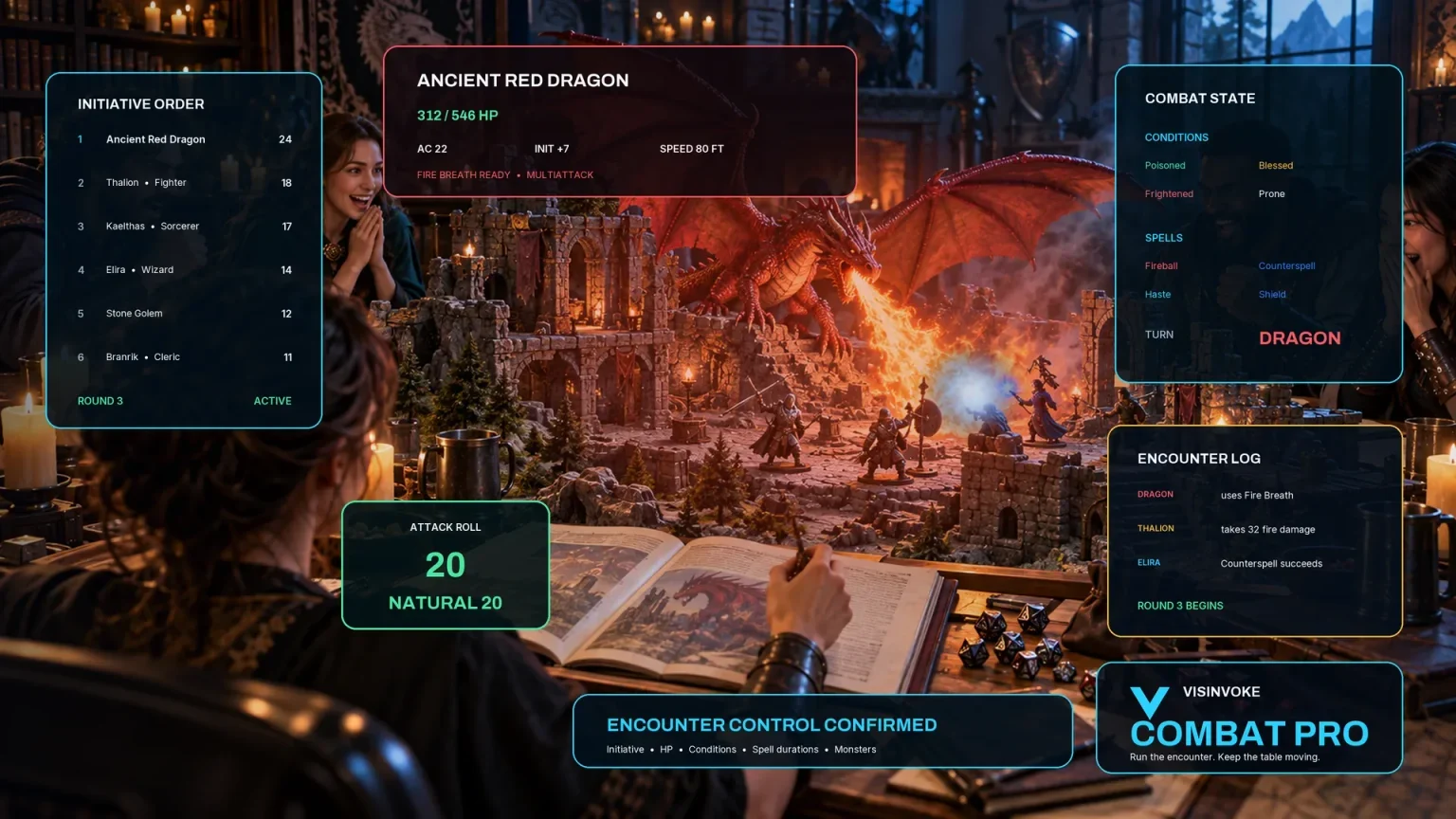
Review prepared opposition, tune creature statistics and run tabletop encounters with its own access.

Create focused character, monster, item and location images to complement your tabletop preparation.

Create guided commercial visuals for websites, brochures and wider creative projects.

Explore a separate futuristic RPG experience with its own world, characters and progression.
Product artwork illustrates fantasy calendars and celebrations, not application screens or actual generated image output.
Quick answers
Understand calculated values, descriptive rules, saved records and print boundaries before opening the tool.
Quick exposes six supported year lengths, five month counts, two, four or six seasons and zero to three moons. Deep adds calendar style, month-length variation, week length, custom weekday names, moon cycles, leap rule, new-year description, festival density, season-alignment text, sample year, event-type text, naming style and context. Both use the same calendar structure, and Quick retains previously selected Deep values. Eight presets adjust selected controls for familiar, exotic, multiple-moon, lunar-festival, leap-year, movable-festival, seasonal and full-year configurations. Descriptive naming, alignment, context and event-type text are retained as metadata rather than interpreted as generation instructions. Only the Exotic style changes the authored month and weekday name pools.
The ordinary year is divided across the selected month count. Each month receives the rounded-down share or one additional day; variation changes which months receive the remainder. Equal months therefore still differ by a day when division is uneven, and Irregular does not create widely varying lengths. Weekdays follow one continuous ordinary-day ordinal within the sample year. Seasons divide that ordinary year into contiguous ranges. Alignment and new-year descriptions do not move the calculated boundaries. Leap rules can add one separate Year-Turning Day after the final ordinary day. It is recorded in the structured calendar but is not drawn as a cell in the month grids. Inspect it separately before printing. Each sample year begins its weekday and lunar model again; there is no continuous calculation across successive years.
Each configured moon has a cycle length, an eight-phase sequence and one calculated phase sample at an ordinary-year ordinal. The model starts each moon at new moon on day one and calculates phase from the ordinal modulo its cycle. It does not provide a daily phase picker, eclipse simulation or interactive lunar calculator. Observances use four, eight or twelve authored names on evenly spaced ordinary dates. Some are labelled as season boundaries or first-full-moon observances, but those labels do not calculate a matching season boundary or lunar date. Changing moon cycles does not move festival dates. Review and place genuinely movable celebrations yourself. Date conversion supplies four ordinary-date examples within the same calendar; there is no interactive converter, leap-day conversion or conversion between calendars.
Generation uses a seed together with an internal counter, so a seed alone does not replay an exact calendar. The record ID depends on the seed alone; generating again with the retained seed can update the same saved record. Locks prevent rerolling the selected layer, while full generation replaces the calendar regardless of those locks. Scoped rerolls generate a candidate from the current controls and replace a defined group of fields. Those groups can include dependent grids, observances or primer fields, even when another layer is locked. Changing controls before a partial reroll can leave retained fields inconsistent. Structured edits do not rebuild derived views. Save checks selected arithmetic and structural relationships, not every cached date, grid, name or privacy boundary. Review the combined result. Undo and redo retain up to twenty in-window result changes without restoring controls or counters. Comparison shows title and year, month, season and moon counts, rather than a detailed field diff.
Save manually writes the calendar library through the existing DCC session. Updating the same record ID retains up to ten earlier result snapshots. Search covers title, ordinary year length, month, season and moon counts, tags and notes. Archived calendars remain visible and searchable, with Restore available. Open restores the result, notes, tags and saved layer locks; it does not restore form controls, seed, mode, generation counter or every view state. Opening an earlier version uses that result with the current record’s notes and tags. Duplicate changes the ID and main calendar name, while nested primer titles can retain the old name and notes or tags come from the current workspace. Review variants before keeping them. Rename through structured editing; there is no dedicated rename, delete or import control. There is no autosave or offline account fallback. Avoid conflicting whole-library saves from several windows.
Copy and Download export the complete calendar in the month or year view, and only the player primer when that view is selected. The generated primer includes title, ordinary-year summary, weekdays, month names, major observances and notation. Review edited fields before player sharing; its safety marker does not inspect arbitrary JSON for private text. Print uses the current rendered page. Preparation panels, comparison material or an open structured editor can remain in print output, so finish editing and inspect print preview and page selection. The month grids show ordinary dates and observance markers, with the separate leap day recorded elsewhere. There is no dedicated PDF or calendar-feed export. Fantasy Calendar does not prepare Combat PRO encounters, change live combat or automatically send dates into timeline, weather, religion or world-history products. Use those tools separately.
Continue in VISINVOKE
Create a free VISINVOKE account and choose the required generator access.
Get Desktop Command Centre from your account installer page. Sign in on Windows, then open Fantasy Calendar Generator.